
Change a photo's camera angle with AI
Drag the camera around your photo and see the same scene from a new place: from the side, from above, from below, or closer in.
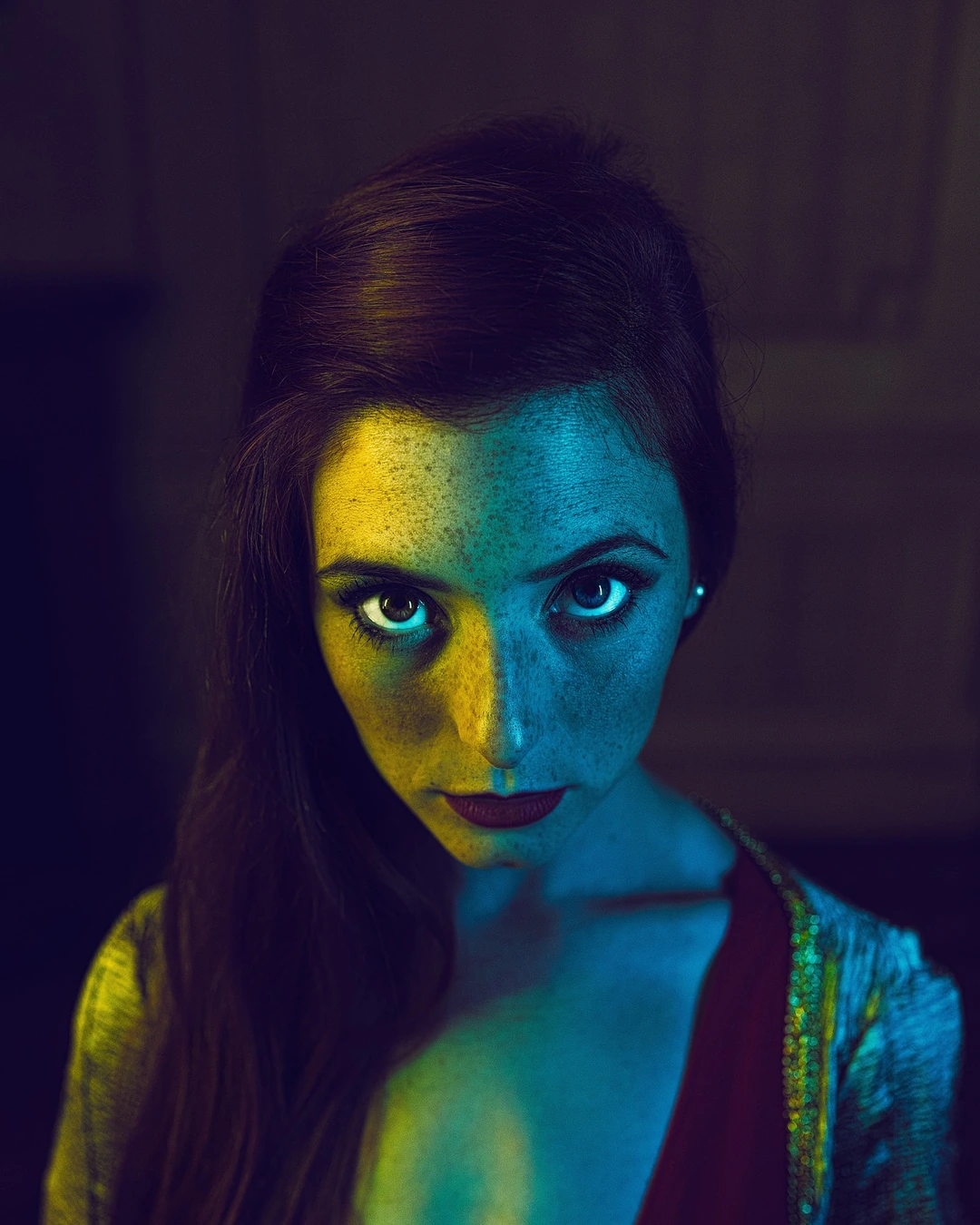
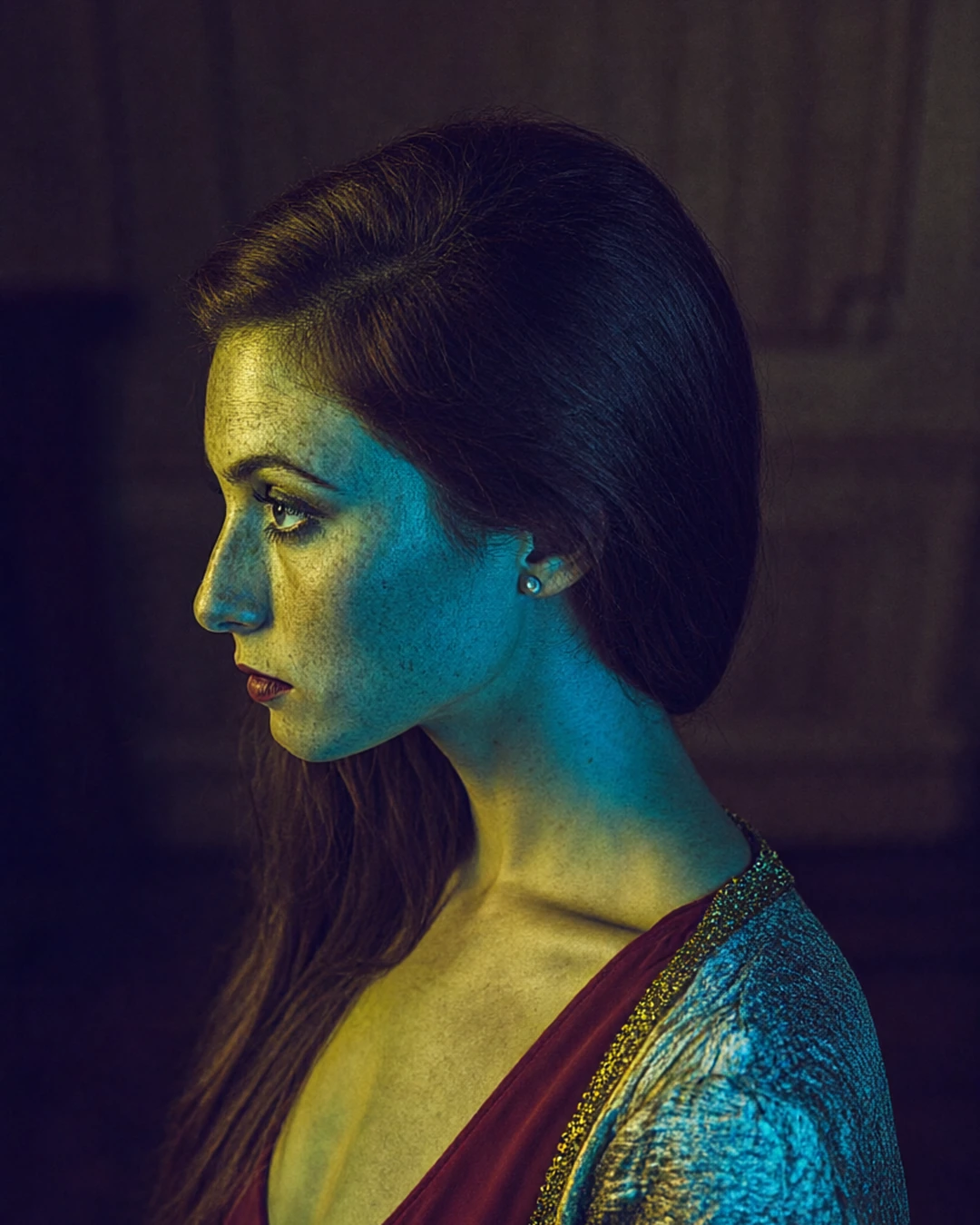 BeforeFrom the side
How it works
Upload a photo.
Drag the camera around it, then set its height and distance.
Download the new view.
What people use it for
- Extra angles for product listings
- Storyboards and shot planning
- Fresh views of a favourite photo
Questions
Which moves are there?
Turns left and right, both sides and behind, from low down to high above, closer or further back.
Does it work on people?
Yes, and on objects and rooms. Turns of a person against a wall work best within about 60 degrees.
How much does it cost?
It comes with Pro and Max: one flat monthly price, no credits. New members can try Pro free for 7 days.
More tools like this
All tools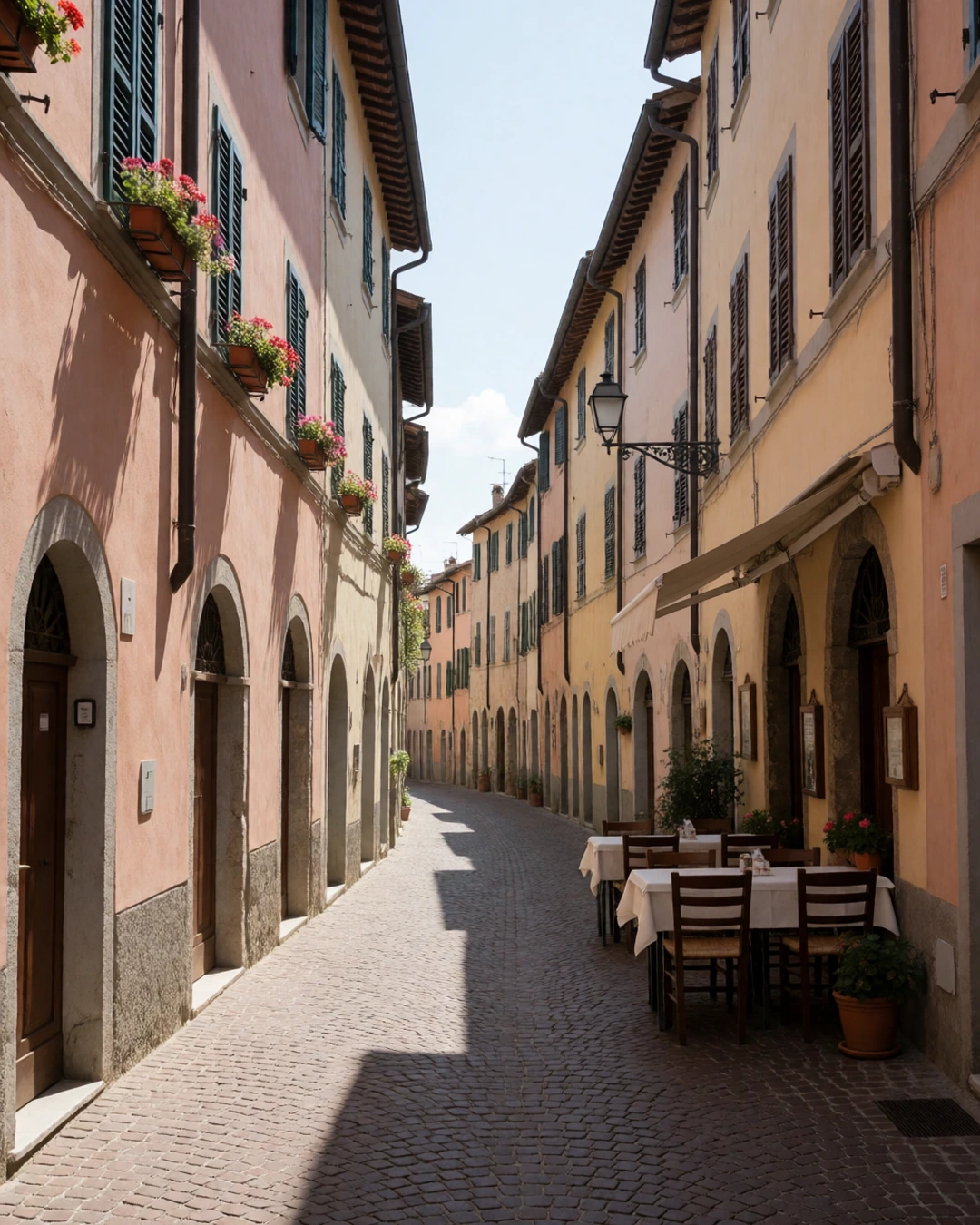
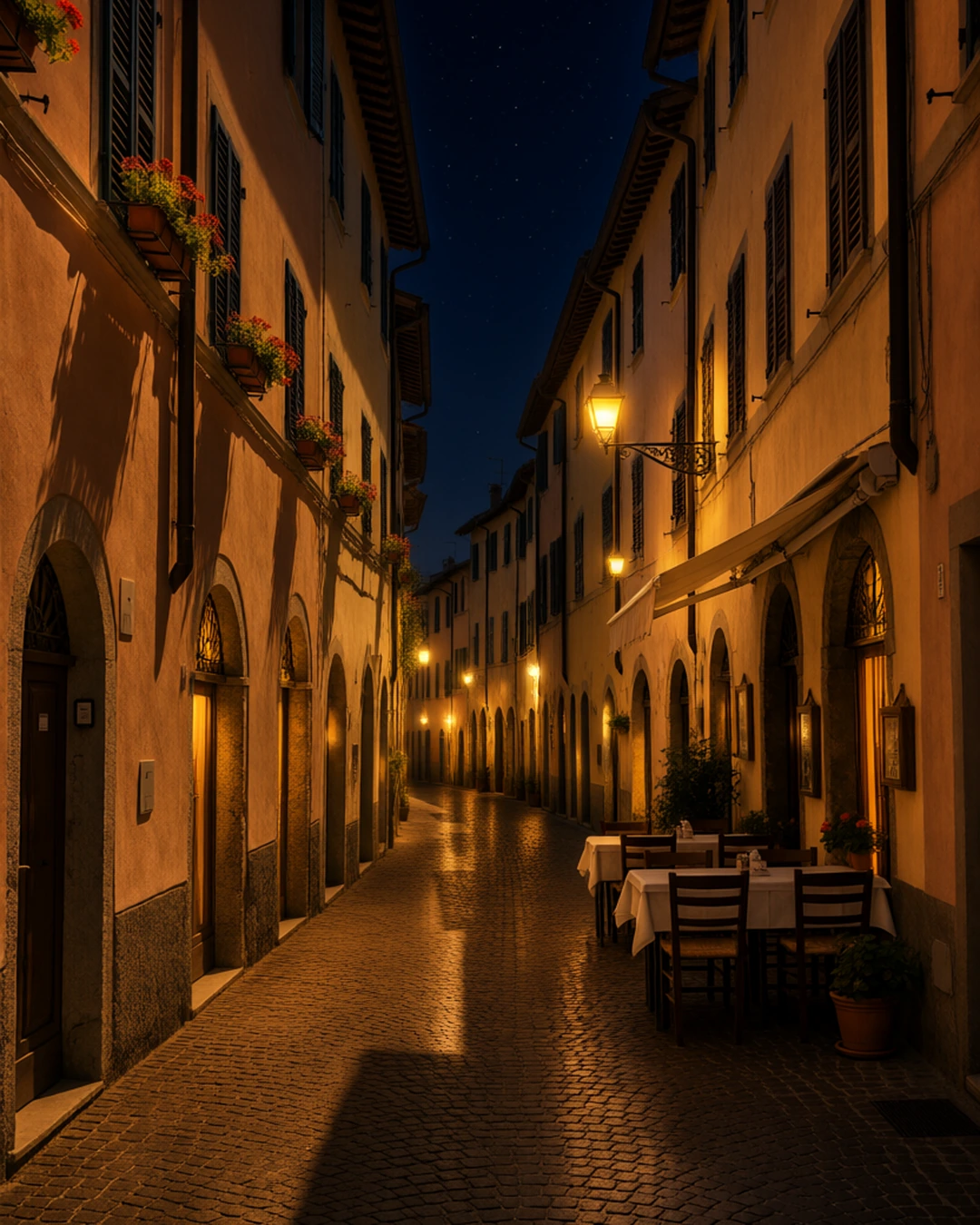 BeforeAfter“Make it night: warm glowing street lamps, lit windows and a starry sky.”
Edit with words
Pick a photo, say what should change, and get it back edited.
In every plan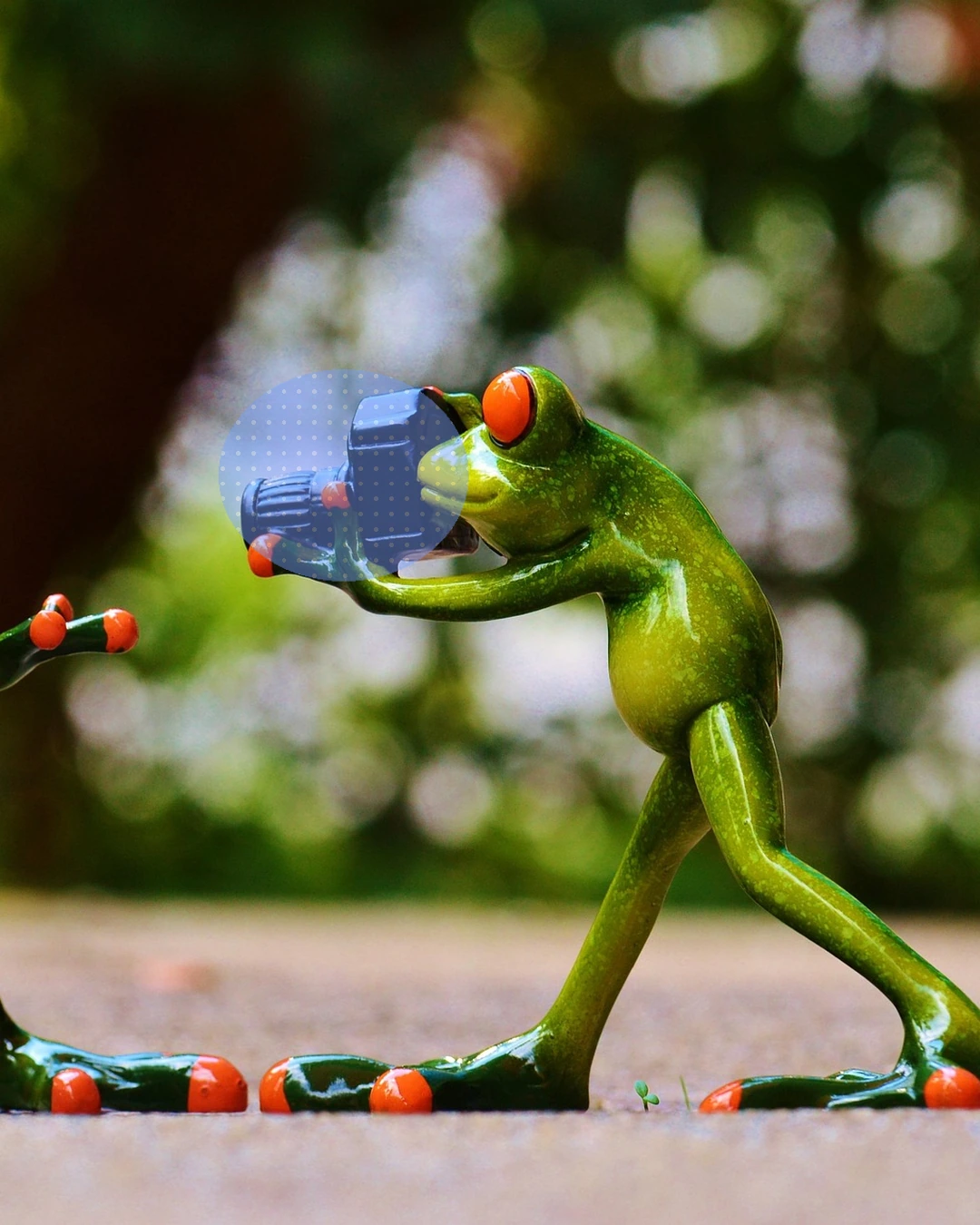
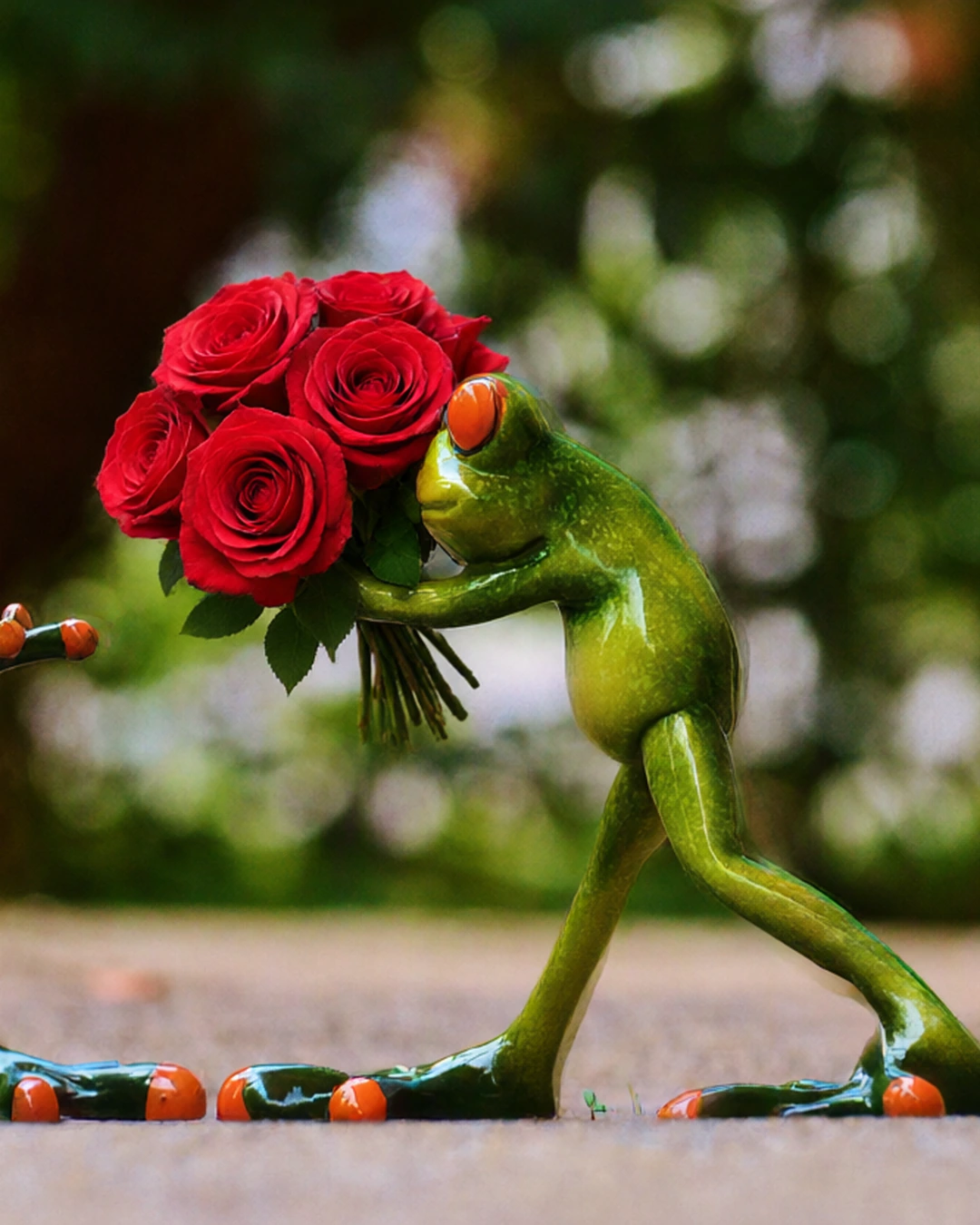 MarkedAfter“a bouquet of red roses”
Edit part of a photo
Paint over a part of your photo and say what goes there, or remove it.
Pro and Max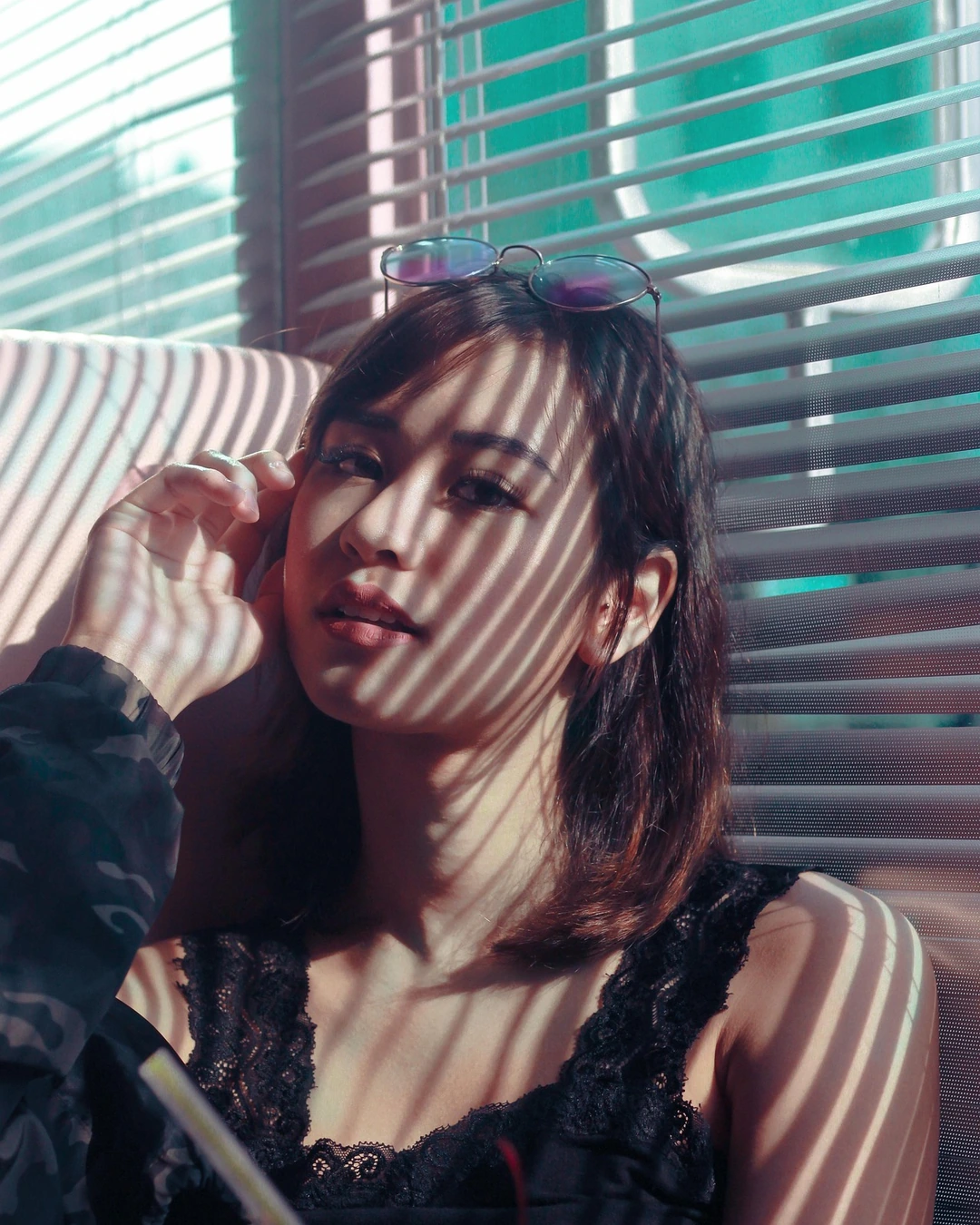
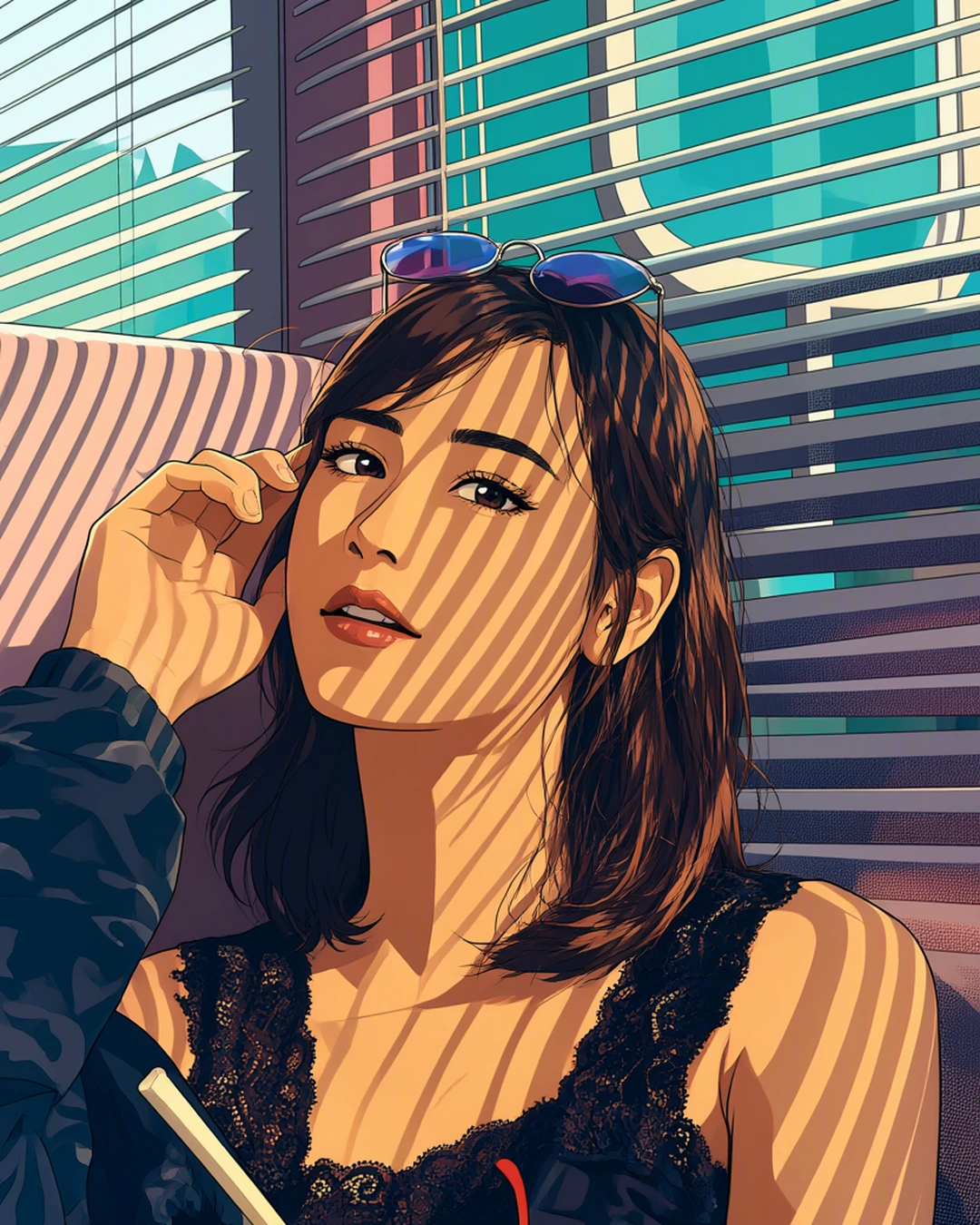 Your photoAnime
Turn a photo into art
Redraw your photo as anime, a watercolour, an oil painting and more.
Pro and MaxA coastal village at sunset, colorful houses on a cliff, fishing boats in the harbor
 Your wordsPhoto
Create a realistic image
Describe a picture in your own words and get a lifelike photo.
In every plan
Try everything free for 7 days
Every tool, any model, video with sound and songs. Cancel anytime.