
AI photo editor: edit photos with words
Upload a photo and say what should change. The weather, a hairstyle, an object, the whole mood: the rest of the photo stays as it was.
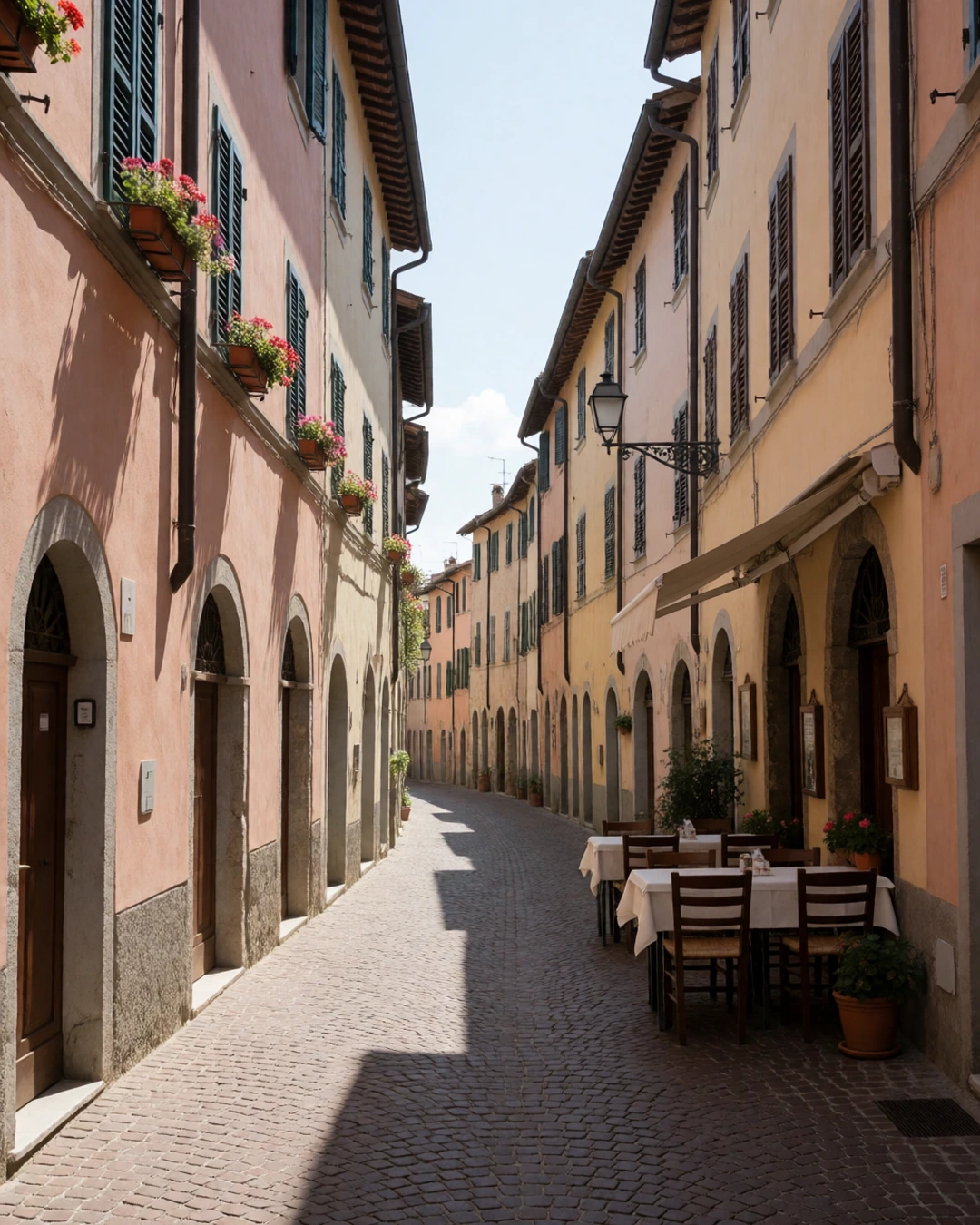
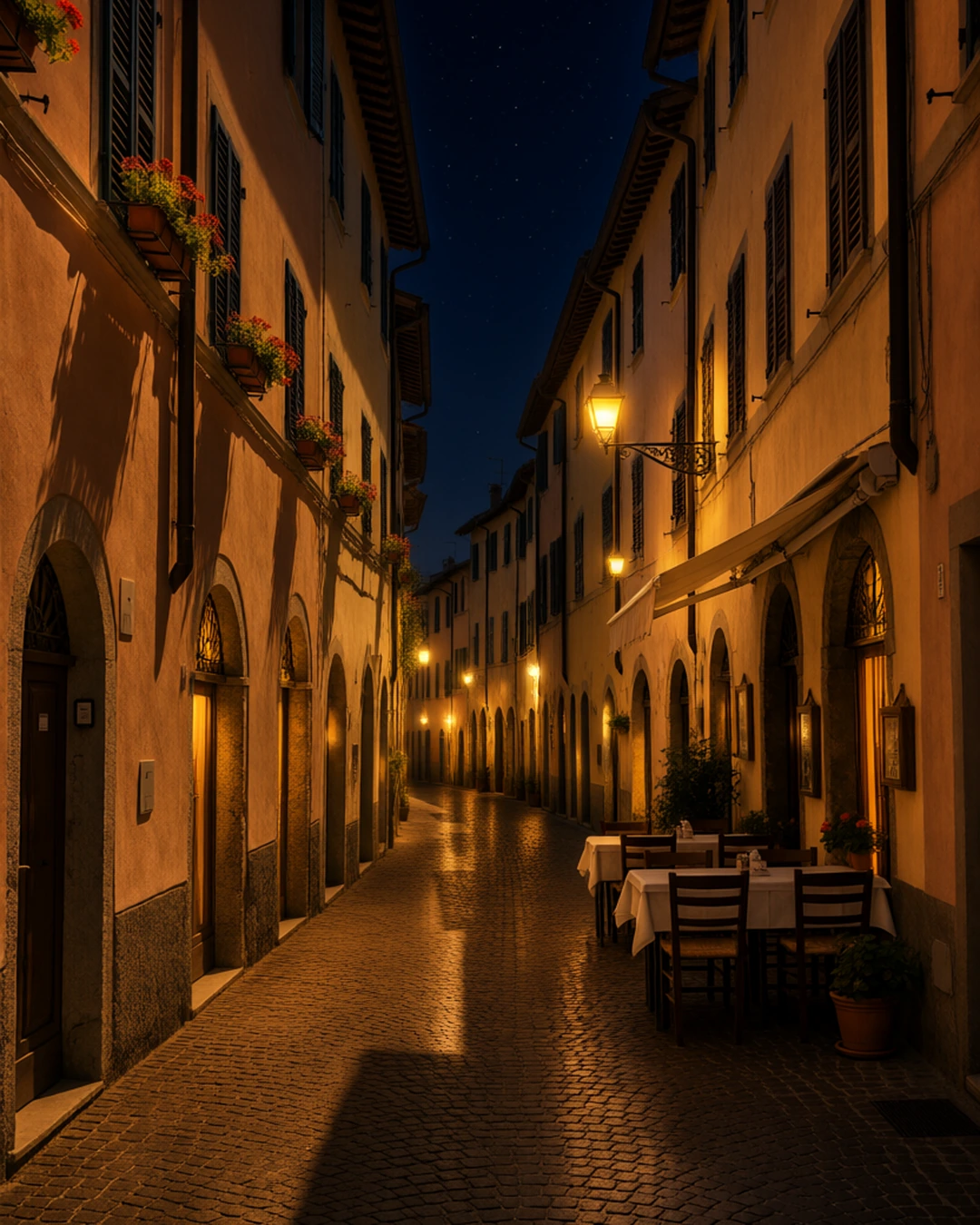 BeforeAfter“Make it night: warm glowing street lamps, lit windows and a starry sky.”
How it works
Upload a photo.
Say what should change, in a sentence.
Get the edited photo back.
What people use it for
- Fixing details without Photoshop
- Trying ideas on real photos
- Seasonal and mood edits
Questions
Do I need to select anything?
No. Words are enough. To change only one part, use Edit part of a photo and mark the area.
Can it change the background?
Yes: say where, like "put her on a beach at sunset" or "a city street at night".
Can I use more than one photo?
Yes: add up to two more pictures and refer to them, like "put the jacket from image 2 on her".
Is it included in every plan?
Yes. Editing with words is in every plan.
How much does it cost?
It's in every plan, Starter included — one flat monthly price, no credits. New members can try Pro free for 7 days.
More tools like this
All tools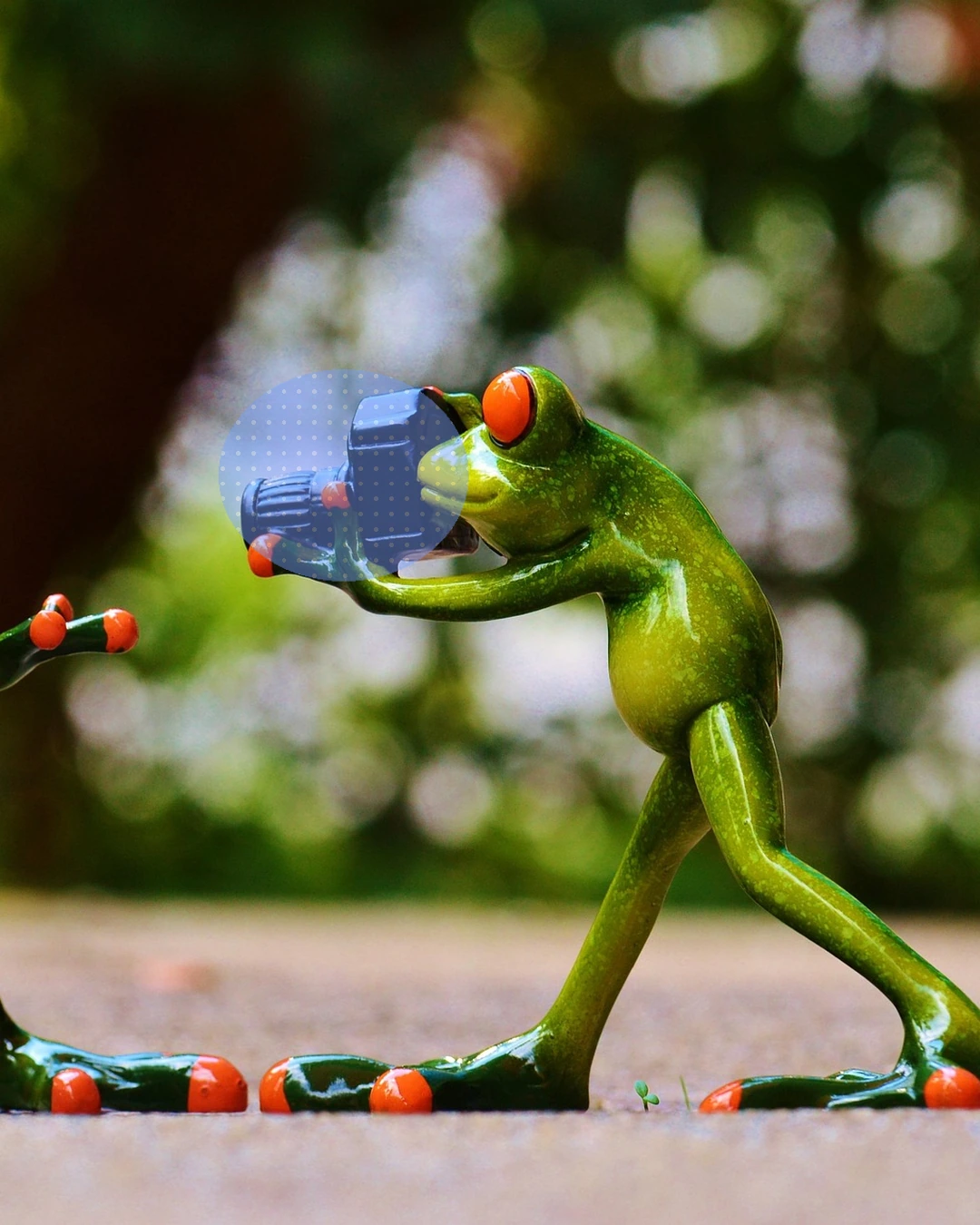
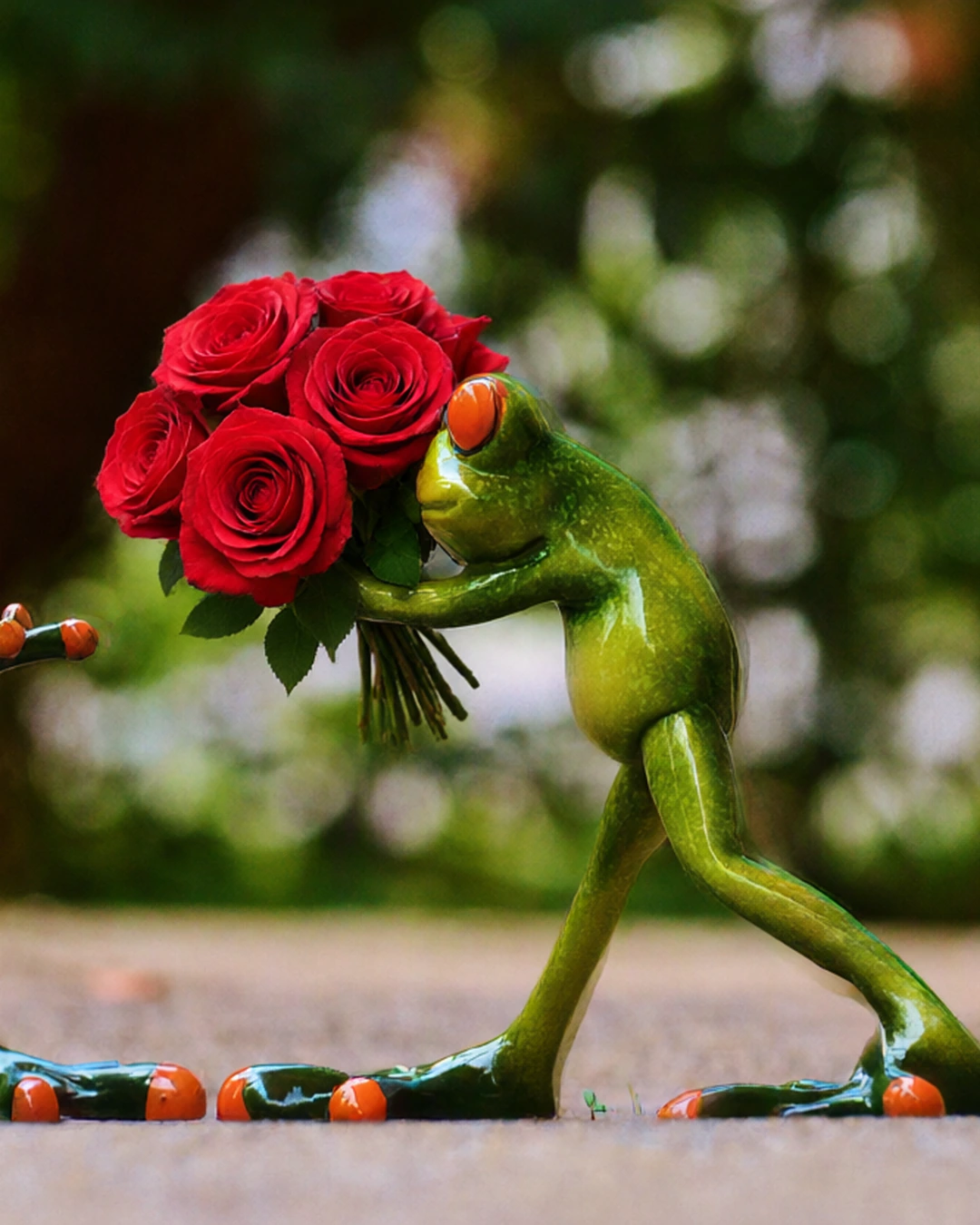 MarkedAfter“a bouquet of red roses”
Edit part of a photo
Paint over a part of your photo and say what goes there, or remove it.
Pro and Max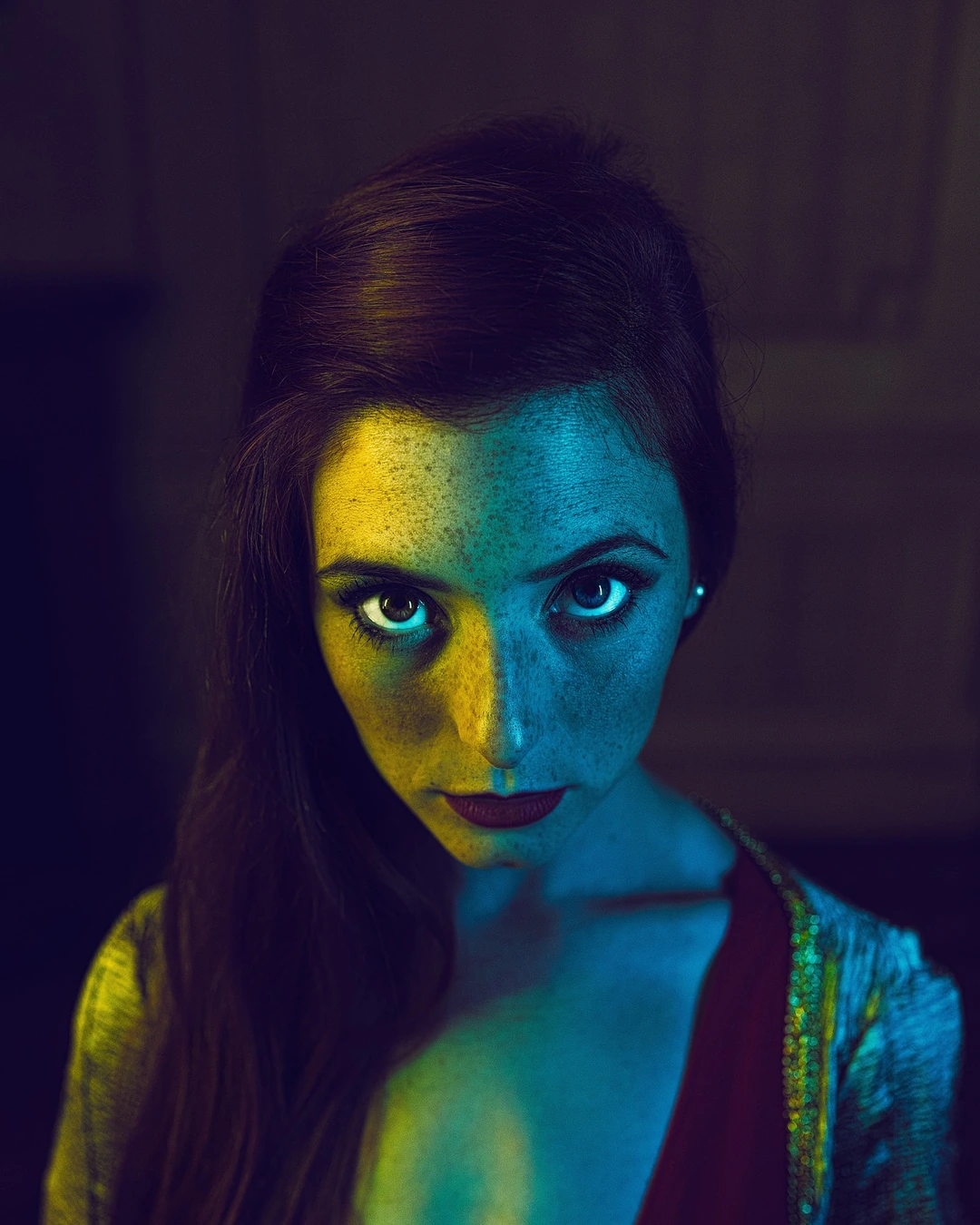
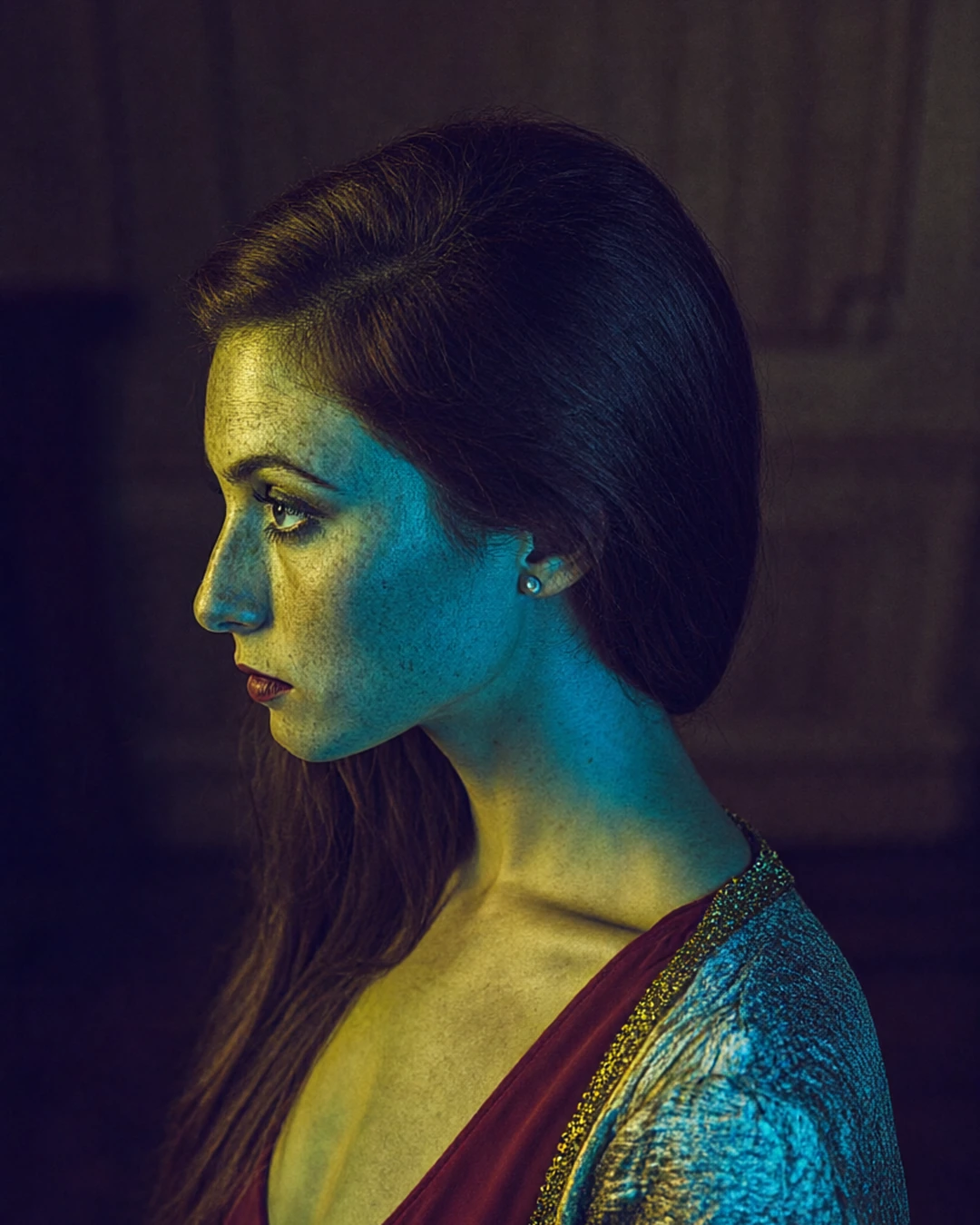 BeforeFrom the side
Change the angle
See your photo from the side, from above, from below or closer up.
Pro and Max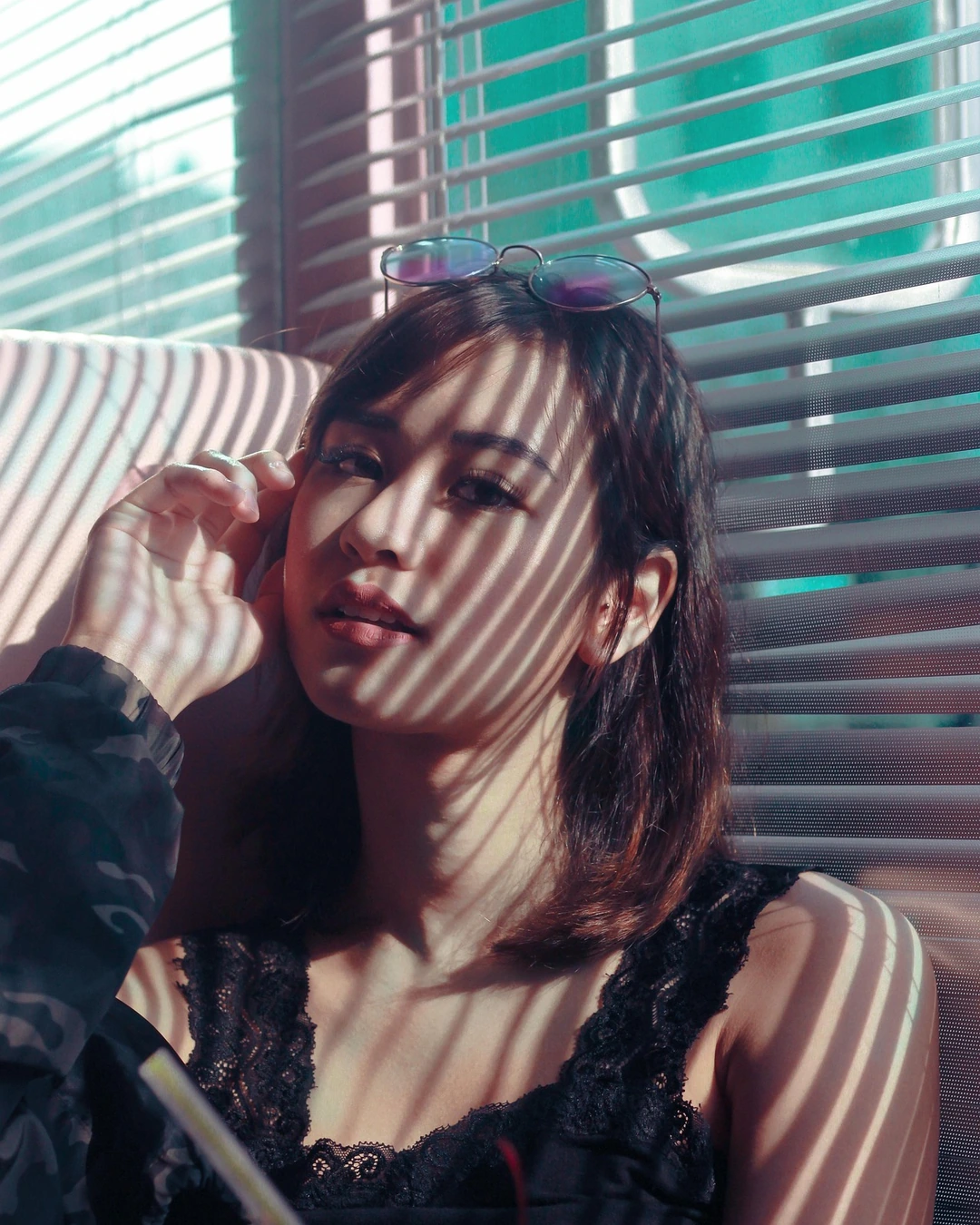
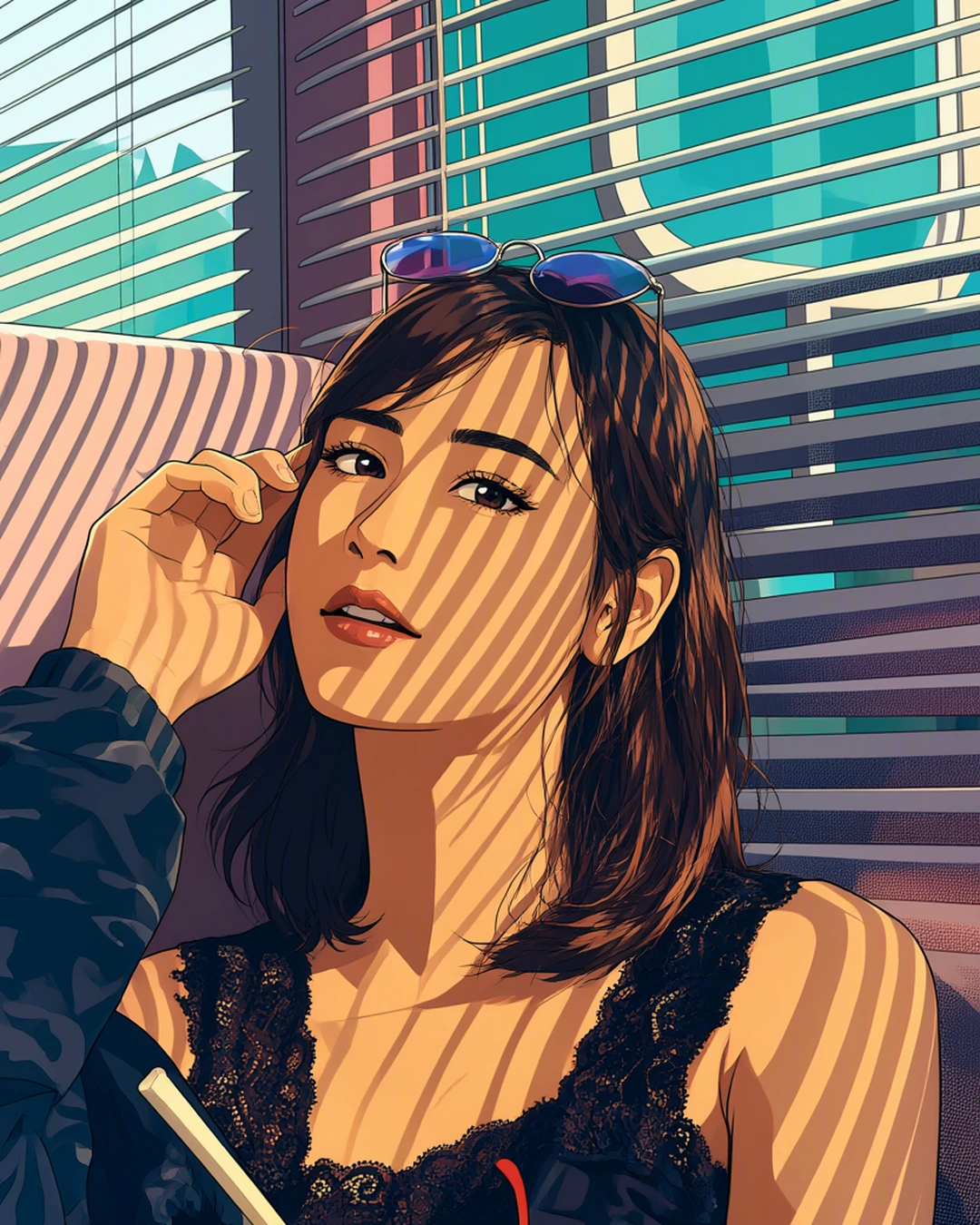 Your photoAnime
Turn a photo into art
Redraw your photo as anime, a watercolour, an oil painting and more.
Pro and MaxA coastal village at sunset, colorful houses on a cliff, fishing boats in the harbor
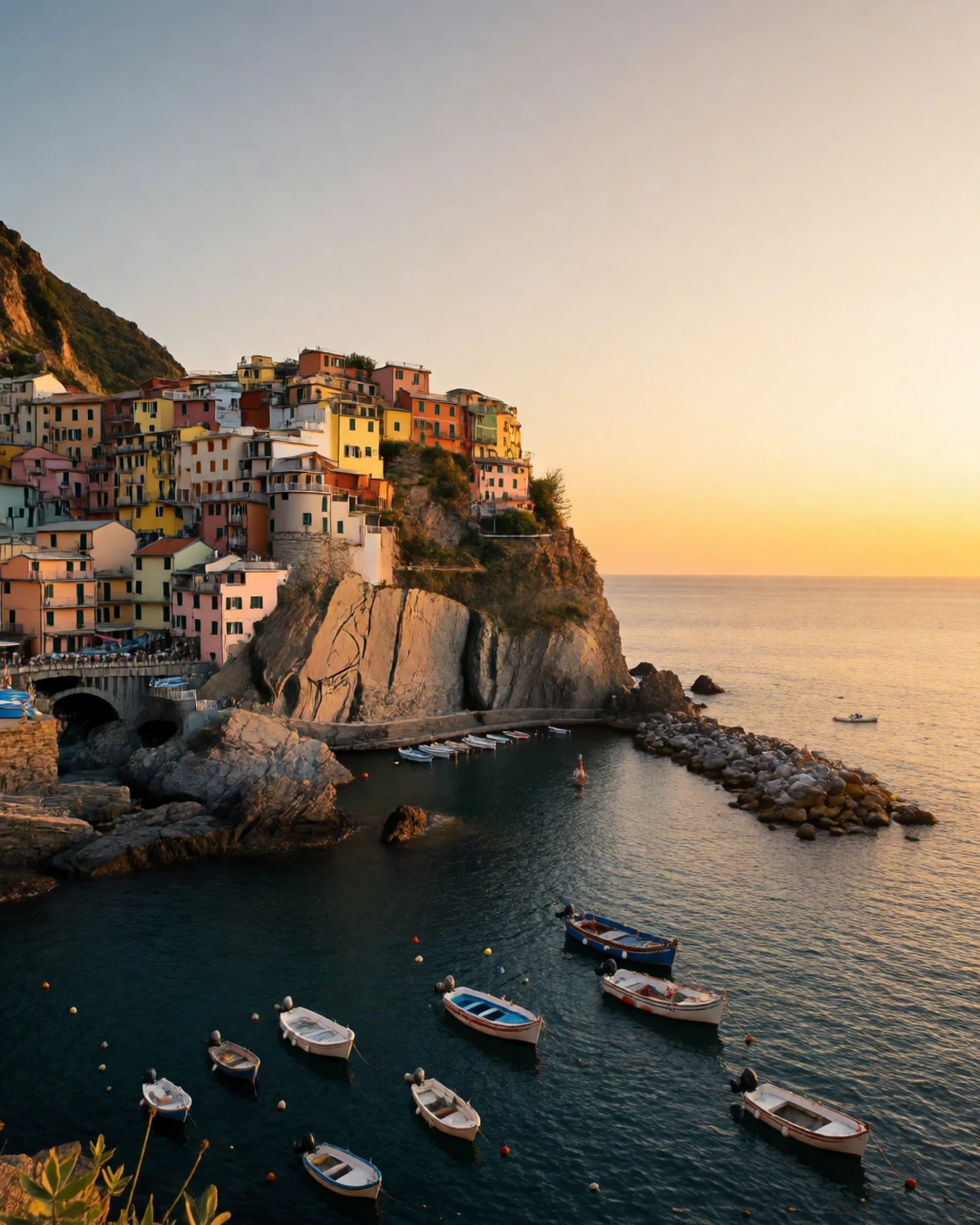 Your wordsPhoto
Create a realistic image
Describe a picture in your own words and get a lifelike photo.
In every plan
Try everything free for 7 days
Every tool, any model, video with sound and songs. Cancel anytime.