Realistic AI image generator
Write what you want to see in plain words and get a photo-real picture back. We run Krea 2, one of the most realistic open models, tuned so you don't have to touch a setting.
A coastal village at sunset, colorful houses on a cliff, fishing boats in the harbor
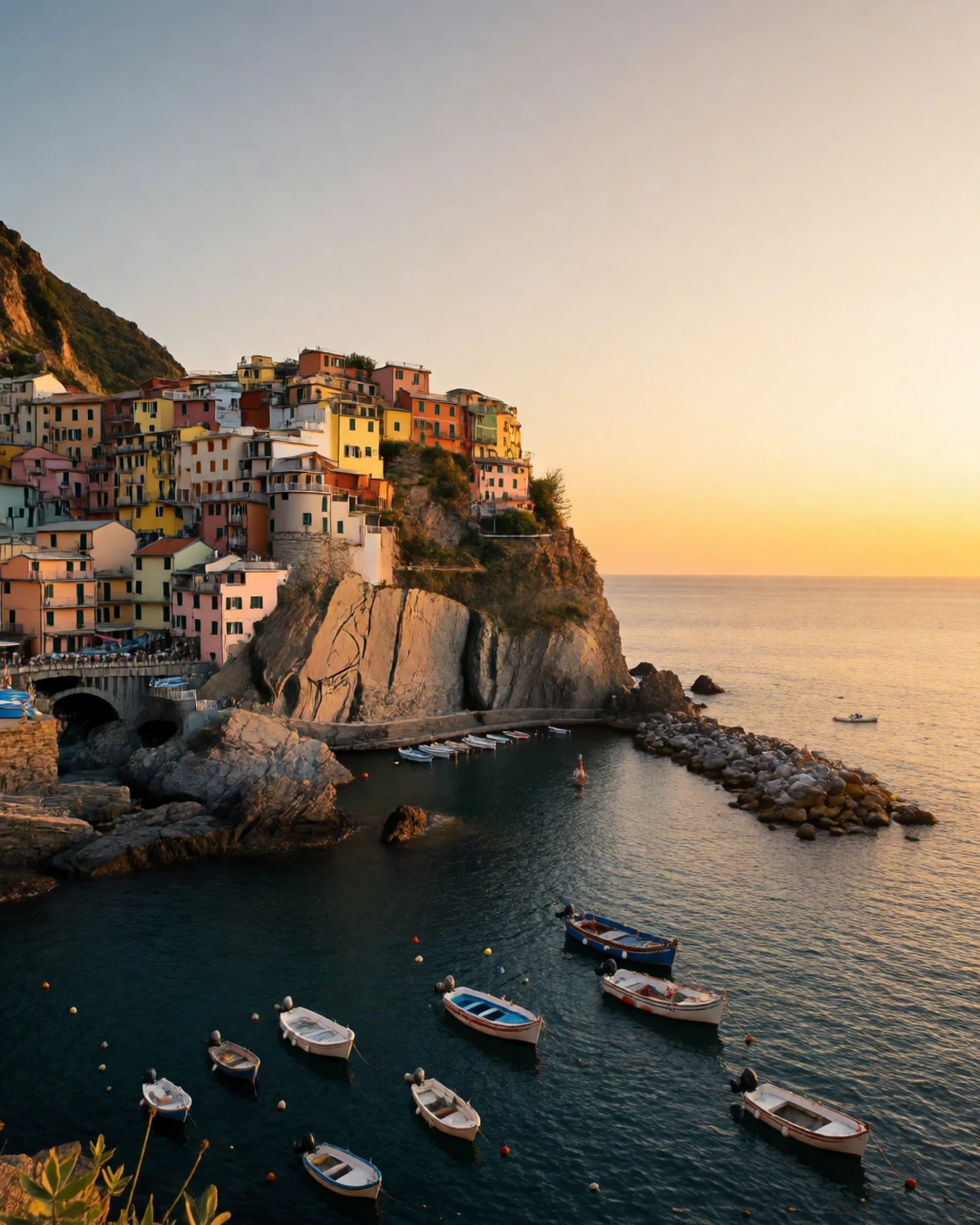 Your wordsPhoto
How it works
Describe the picture: who, where, the light.
Pick a shape: portrait, square or wide.
Press Generate and download your photo.
What people use it for
- Product and lifestyle shots
- Social posts and thumbnails
- Concept art that looks real
Questions
Do I need to learn prompting?
No. Write a normal sentence like "a red fox in a misty forest at dawn". On Pro and Max, GenVista also adds a matching style on its own when one fits your words.
Which model makes the pictures?
Krea 2 Turbo, a fast photorealistic model, at the settings it was built for. Want a different model? Use custom models from CivitAI.
Is it included in every plan?
Yes. Every plan, the cheapest included, can create realistic images.
How much does it cost?
It's in every plan, Starter included — one flat monthly price, no credits. New members can try Pro free for 7 days.
More tools like this
All toolsA coastal village at sunset, colorful houses on a cliff, fishing boats in the harbor
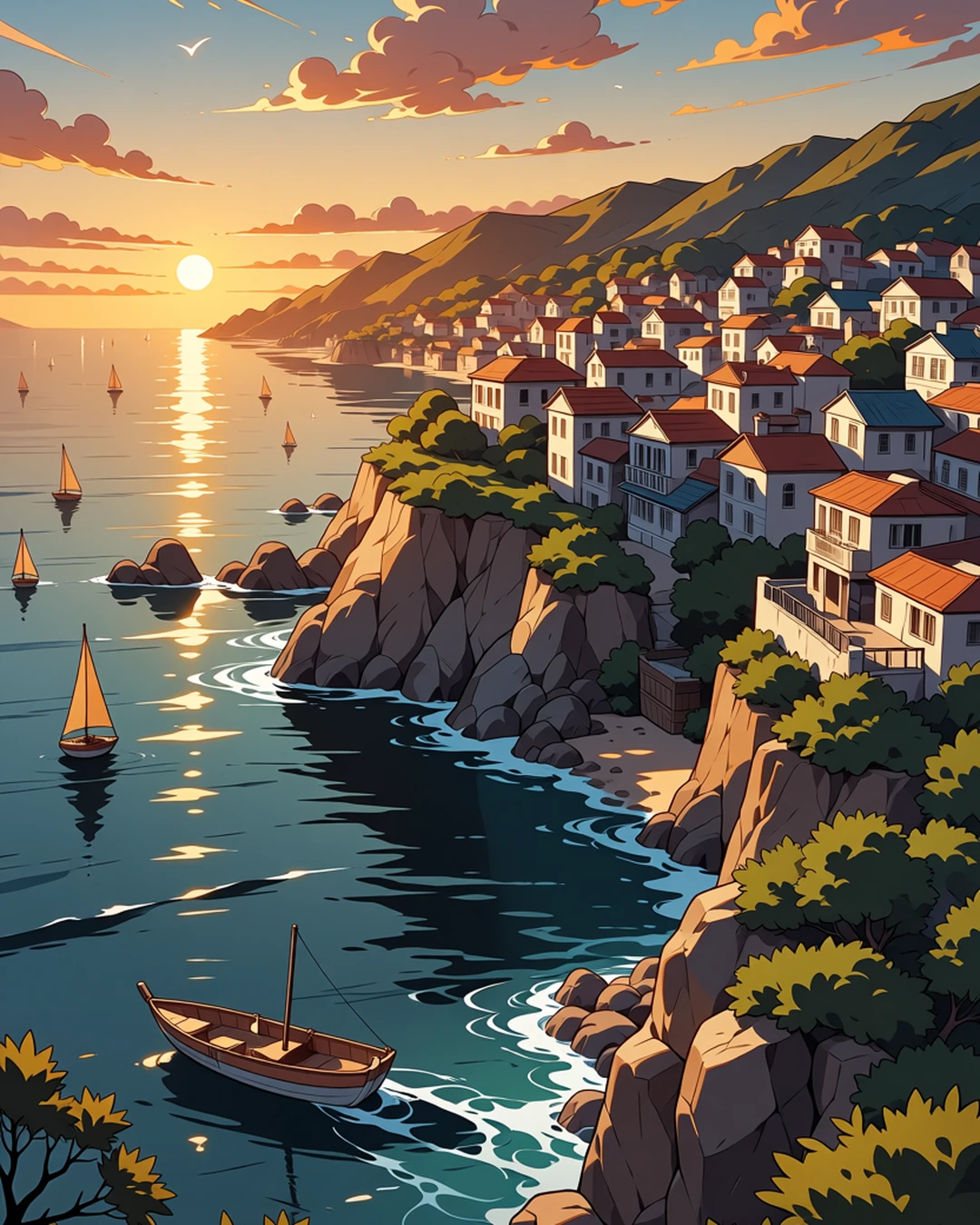 Your wordsCartoon
Create a cartoon image
Describe a picture in your own words and get an anime or cartoon drawing.
In every planA treehouse glowing at dusk in a misty pine forest, string lights along its rope bridge
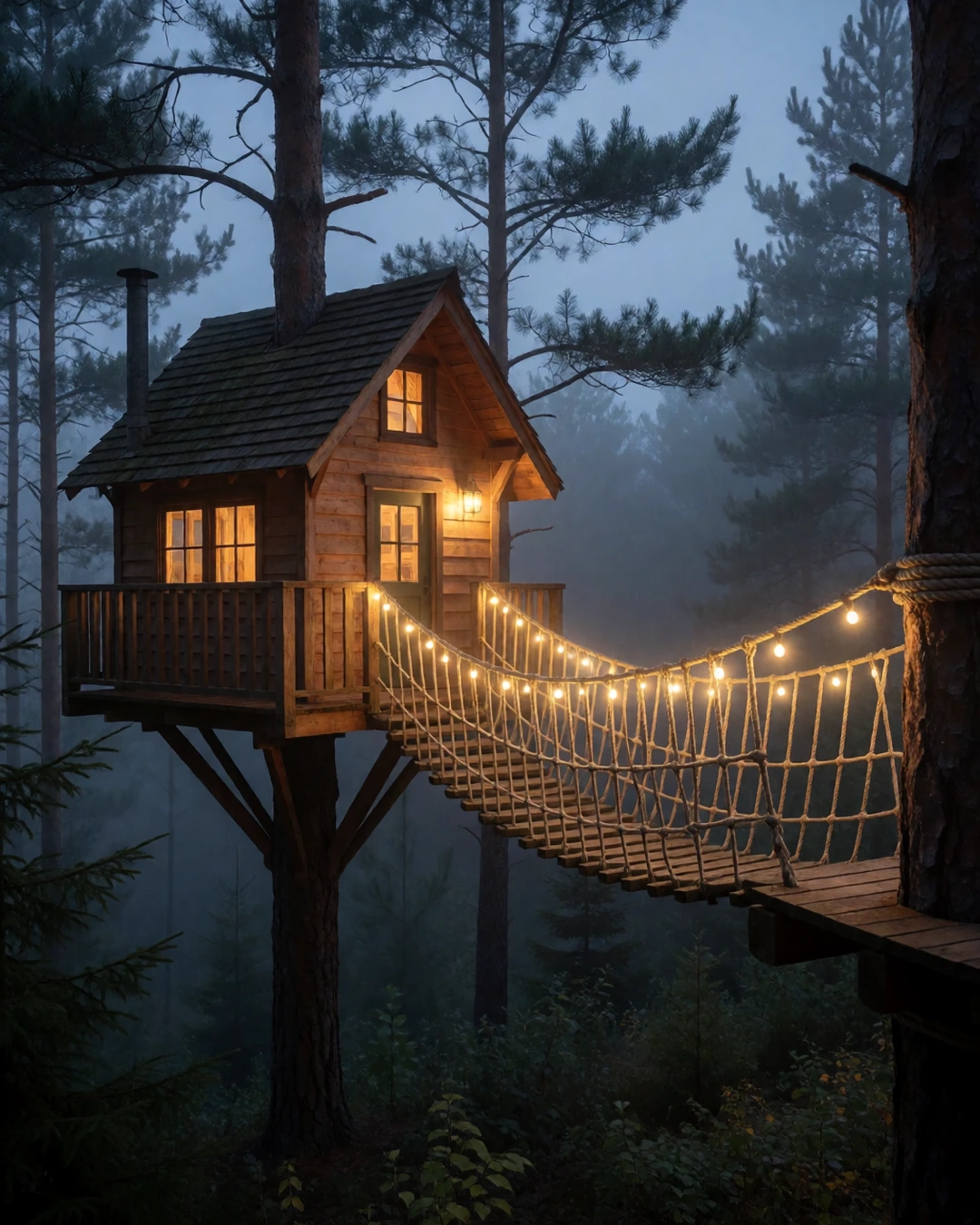 Your wordsPicture
Use custom models from CivitAI
Thousands of CivitAI models and styles: we suggest one, you can change it.
Pro and Max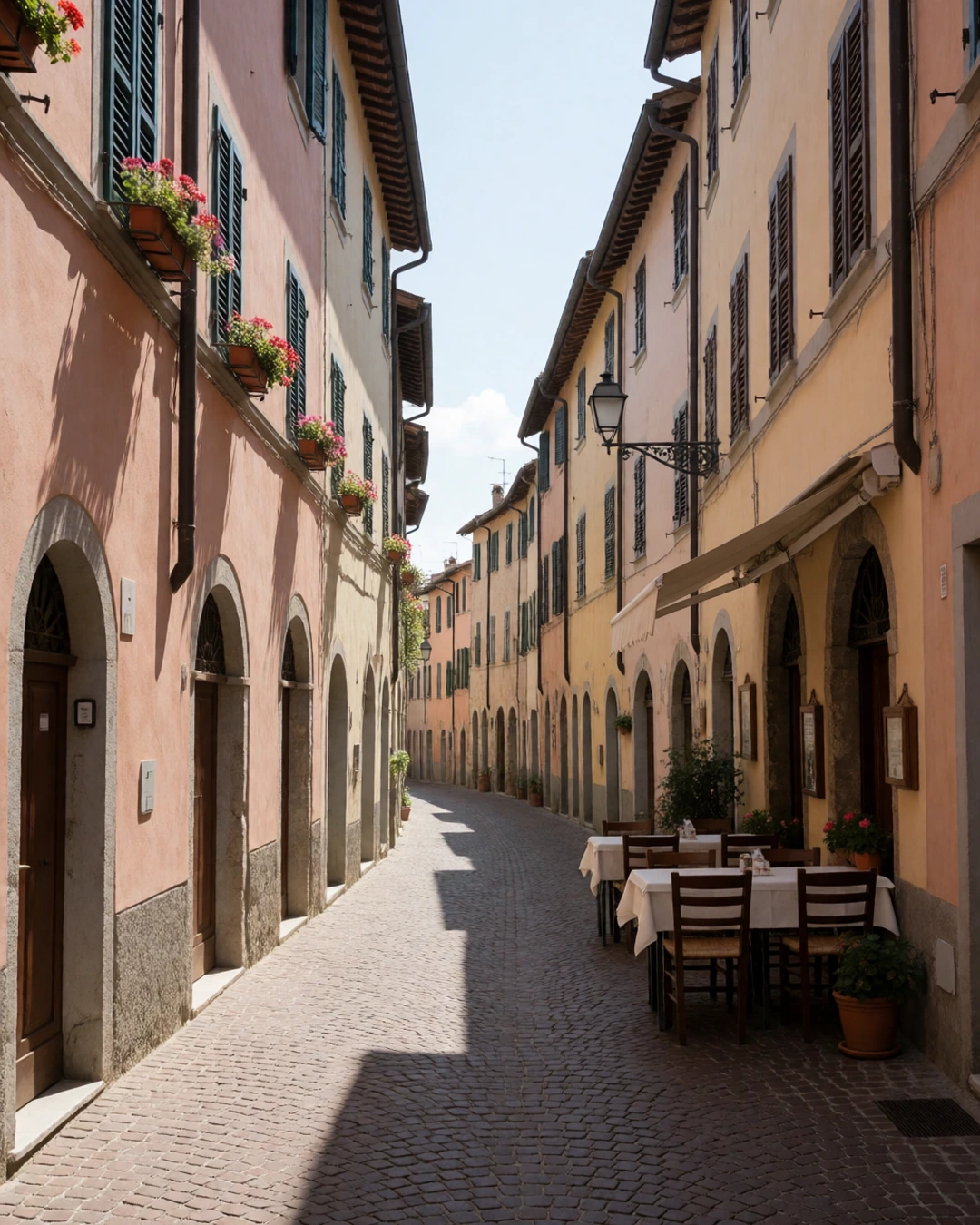
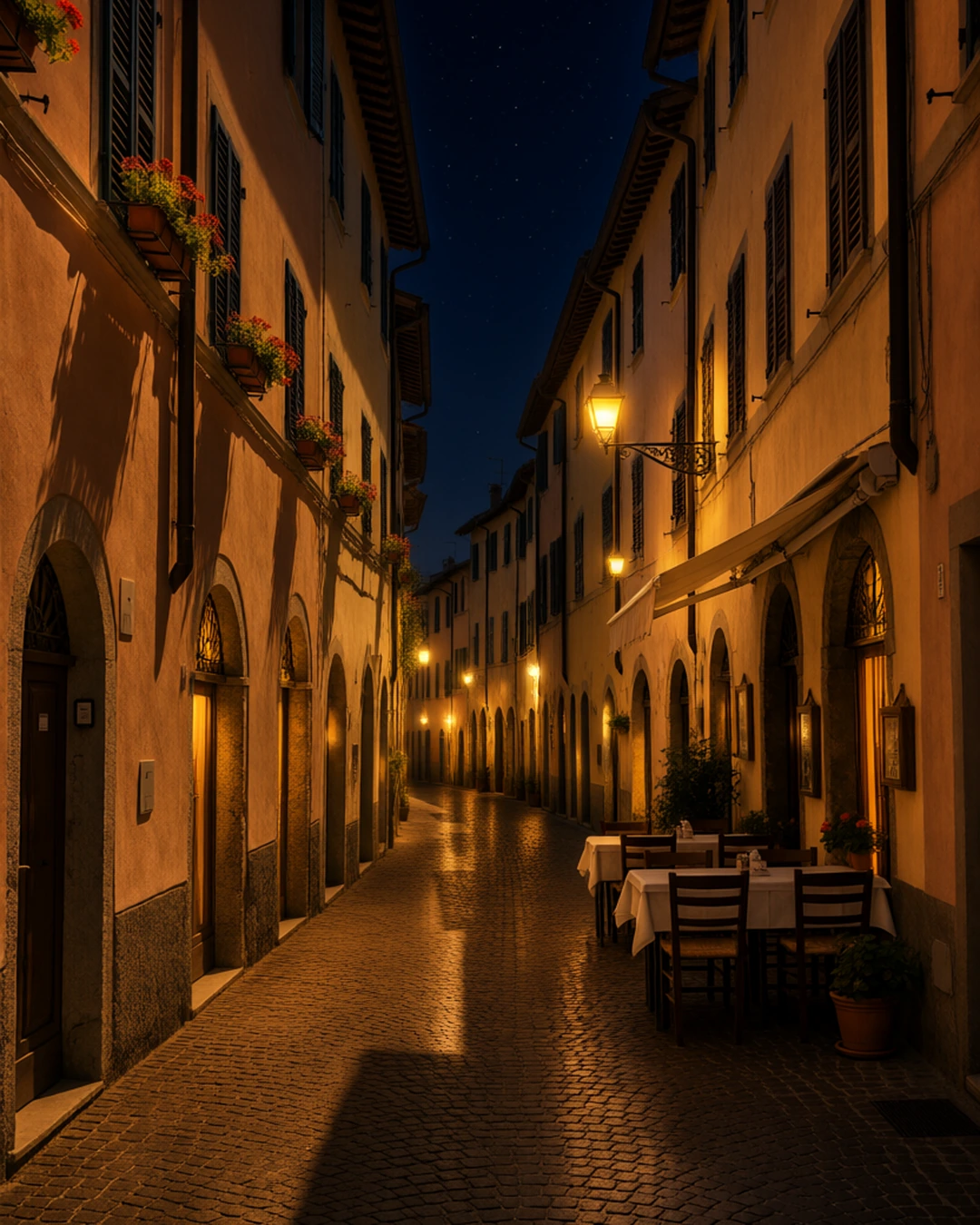 BeforeAfter“Make it night: warm glowing street lamps, lit windows and a starry sky.”
Edit with words
Pick a photo, say what should change, and get it back edited.
In every plan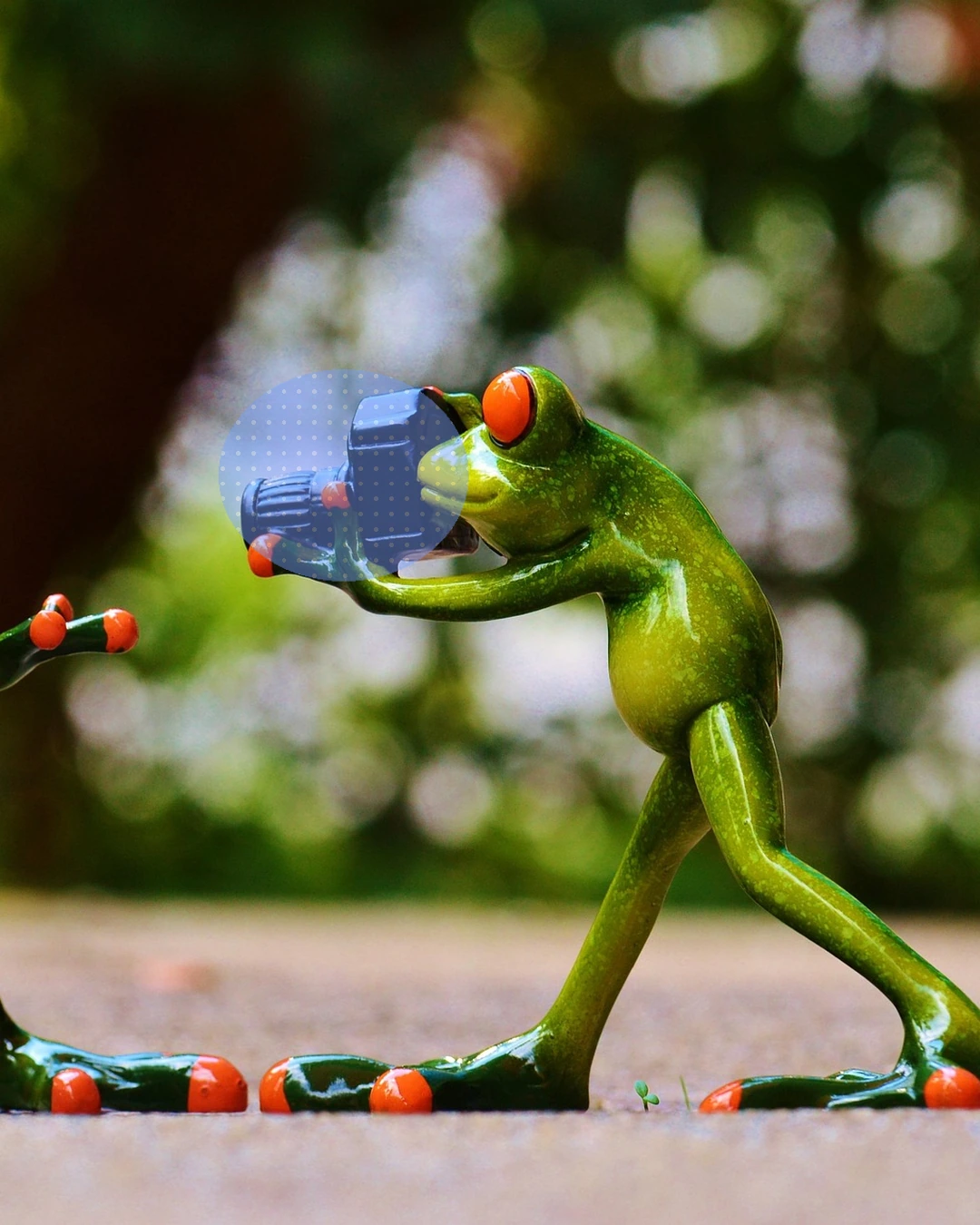
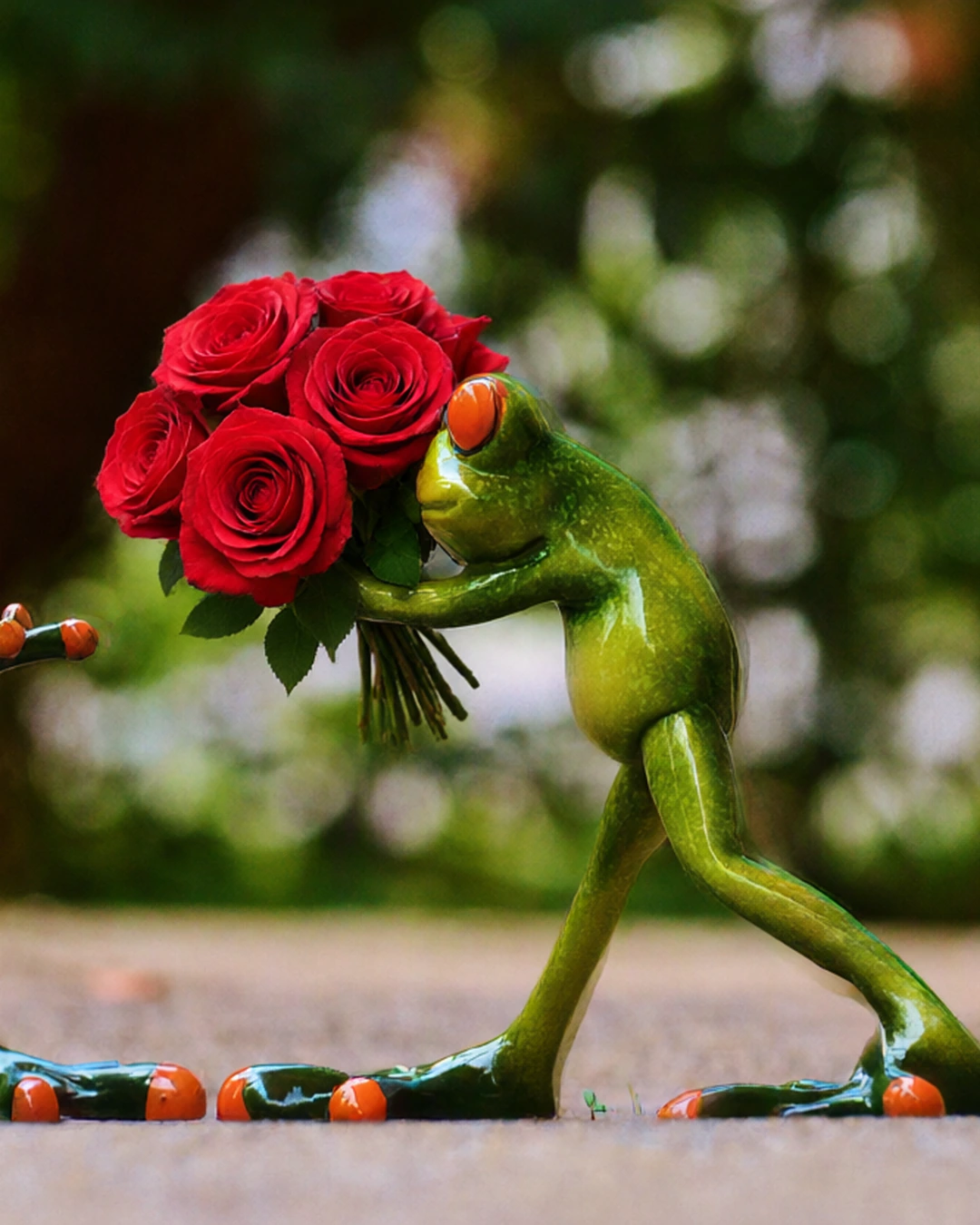 MarkedAfter“a bouquet of red roses”
Edit part of a photo
Paint over a part of your photo and say what goes there, or remove it.
Pro and Max
Try everything free for 7 days
Every tool, any model, video with sound and songs. Cancel anytime.