
Video effects · In Pro and Max
Swap a character in a video
Put the character from your photo in place of someone in your clip, with the motion and the scene kept.
You'll need: a short clip and a photo Private gallery Cancel anytime
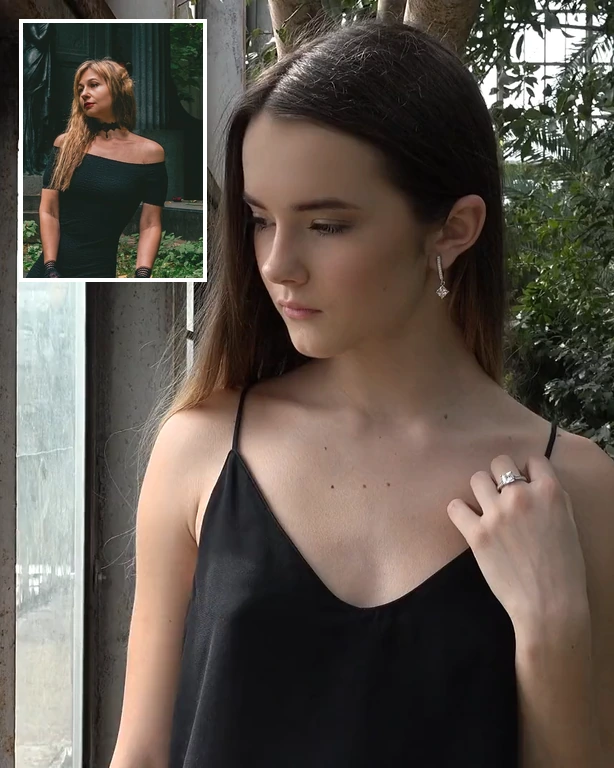
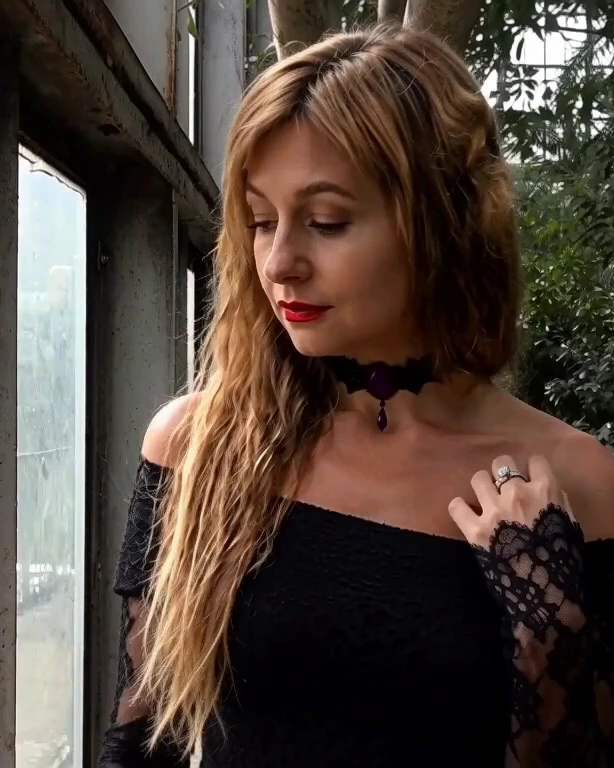
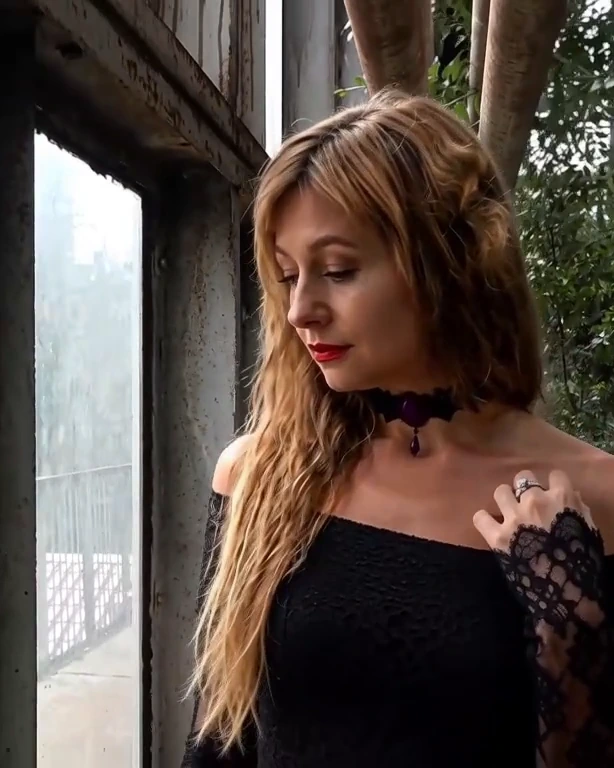 Your clip and photoSwapped
How it works
Upload a short clip and a photo.
Say who to replace.
Download the new video.
What people use it for
- Starring in a scene
- Mascots and characters in real footage
- Fan edits
Questions
What photo works best?
A clear photo of the person or character, face and shoulders visible; a real person's photo works best for live footage.
How much does it cost?
It comes with Pro and Max: one flat monthly price, no credits. New members can try Pro free for 7 days.
More tools like this
All tools
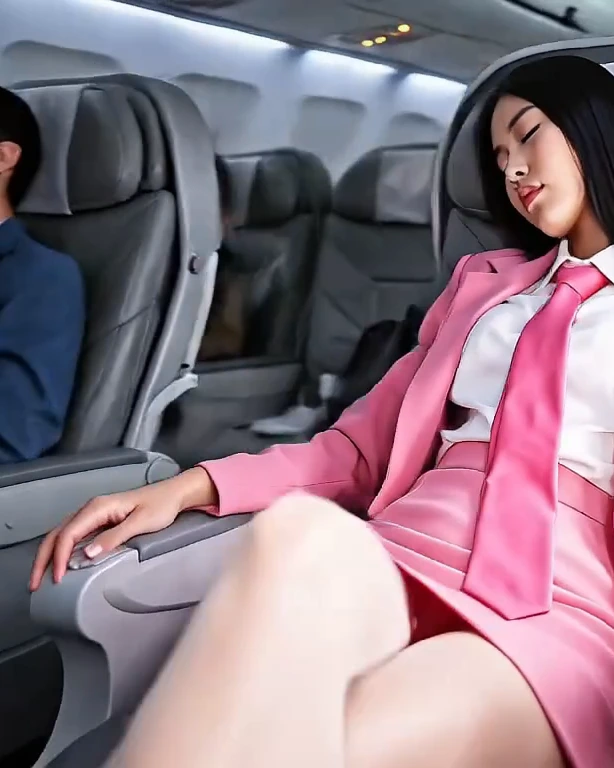 Your photo360°
360° spin
Freeze a moment and circle the camera all the way round it.
Pro and Max 1
1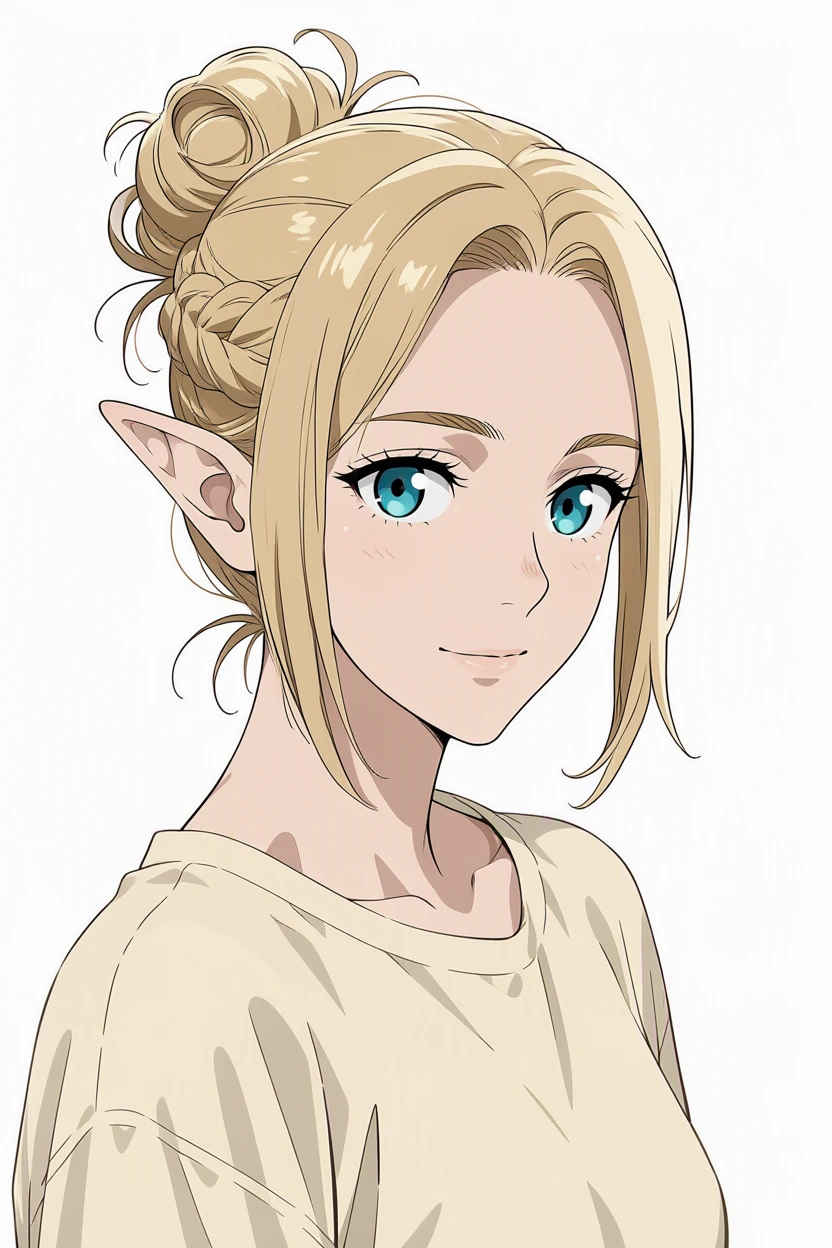 2
2
 Your drawingsIn-betweens
Animate drawings
Turn drawings into hand-drawn animation: the next pose or the in-betweens.
Pro and Max

 Your clipAnime
Restyle a clip
Turn your clip into anime, a watercolour or a comic, with the same motion.
Pro and Max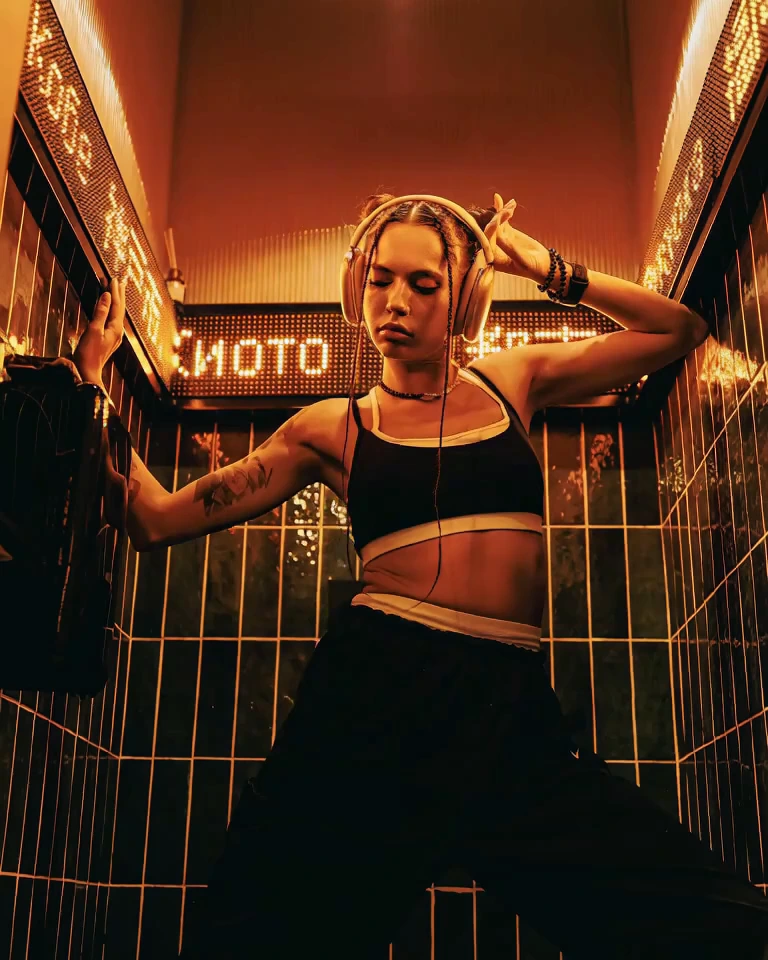
 Your photoVideo
Animate a photo
Bring a photo to life: it becomes the first frame of a clip with sound.
Pro and Max
Try everything free for 7 days
Every tool, any model, video with sound and songs. Cancel anytime.